Linux Gaming in 2026: Do you really need linux, or is dual boot the smarter choice?
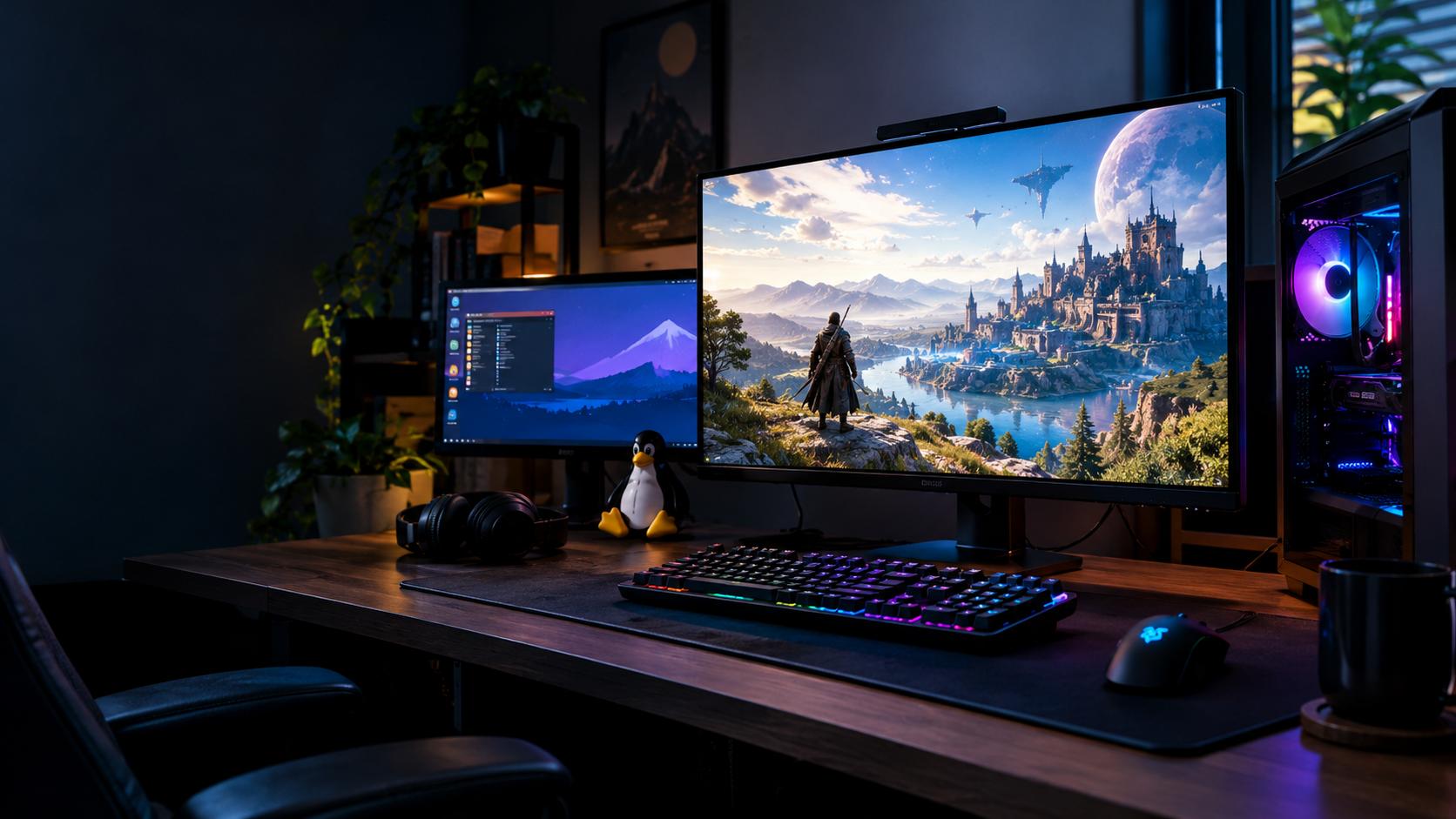
Linux gaming in 2026 is weirdly good if you’re playing single-player games or using it as a daily desktop, but it’s still a mixed bag for competitive shooters, especially on Nvidia hardware. In the test here, Ubuntu was easy to install, Proton handled most Windows games, and the desktop felt faster than Windows, but anti-cheat, driver quirks, and frame-rate drops kept Windows in the loop as a dual-boot backup.
Why this Linux gaming test started with Ubuntu
The whole experiment started with a pretty normal dev-gremlin impulse: buy a second SSD, stop talking about Linux like it’s a vibes-based religion, and actually test it. The setup was simple enough to be boring, which is exactly what you want from an operating system install. If the thing works, you shouldn’t need a ceremony.
Ubuntu was the first pick because it’s still the easiest on-ramp for people coming from Windows. It’s the distro most likely to give you the least grief, and it’s also one of the simplest choices if you want to dual boot without turning your machine into a weekend-long archaeology project. That matters, because most people don’t want to “switch to Linux,” they just want their PC to stop being annoying.
The install itself is almost insultingly normal now. Download Ubuntu for free, flash it to a USB stick with Rufus, disable fastboot in BIOS, boot from the drive, and a few minutes later you’re at a desktop. That’s the kind of sentence Linux users have been trying to earn for years, and in this case it’s deserved. The scary part isn’t the installer anymore, it’s everything you’ll do after it boots.
The terminal isn’t magic, it just removes busywork
A lot of people hear “Linux” and immediately picture a black screen full of hacker theater. The terminal is just a text-based interface, a place where you type commands instead of clicking through installers and setup wizards. It’s intimidating the first time you see it, but the payoff is that package management is way more direct than the Windows ritual of browser, download page, installer, next, next, next.
That difference sounds cosmetic until you actually live in it. On Windows, getting a new app usually means hunting down a website, verifying you clicked the right download button, then walking through half a dozen dialogs that all want your attention. On Linux, one command can pull the app, install dependencies, and finish the setup in the background. It’s not glamorous. It’s just less stupid.
That’s exactly how the base setup went here. Ubuntu got updated, Nvidia drivers were installed, and Steam was brought up from the terminal. That matters because gaming on Linux is not really about one heroic app, it’s about getting a stable stack in place first. If the OS, GPU driver, and Steam layer aren’t happy, the rest of the test doesn’t mean much.
Proton is the real reason Linux gaming even works
Once Steam was running, the next piece of the puzzle was the compatibility story. Native Linux games exist, but the uncomfortable truth is that most of a PC gamer’s library was built for Windows. That’s where Proton comes in. Proton is Valve’s compatibility layer that translates Windows API calls on the fly so Windows games can run on Linux without the developer rewriting the whole game.
That translation layer is the entire trick. The game thinks it’s talking to Windows. Linux is quietly intercepting the calls and making them make sense. When Proton works, it feels like cheating. You flip the toggle in Steam, launch the game, and a lot of the time the thing just boots without drama.
That said, “most of the time” is doing a lot of heavy lifting here. Linux gaming is not a universal compatibility spell. Some games run natively, some run through Proton, and some refuse to cooperate at all. The platform is better than the old reputation, but it still has hard edges, and the hard edges show up fastest in multiplayer games with aggressive anti-cheat.
The Finals showed the first big Linux trap
The first game in the test rotation was The Finals, and it immediately exposed one of the nastiest Linux gotchas, Steam packaging. At first, the game would not launch at all. No shader screen, no menu, no loading bar. Just nothing. That’s the sort of failure that makes people assume Linux gaming is broken, when the actual bug is usually more annoying and more specific.
The problem here was that Steam had been installed through the terminal, and Ubuntu had quietly handed over a Snap package. A Snap is a sandboxed app format, which sounds neat until you remember that anti-cheat systems and compatibility layers sometimes need access to parts of the system that sandboxes hide. In this case, Snap trapped Steam in its own little permission box, and Proton needed access that Boxville Linux wasn’t offering.
Easy Anti-Cheat, the anti-cheat system used by The Finals, was the blocker. The fix was ugly but effective, wipe that install, grab Valve’s native Steam installer directly from its website, and start over. The downside was that the sandbox had also hidden the files, so Steam couldn’t see the old data. The games had to be redownloaded from scratch, all eight of them.
After that pain tax, the game finally launched and behaved normally. That’s the Linux pattern in miniature. When it works, it really works. When it doesn’t, you spend an hour discovering that the thing breaking your game is not the game, not your GPU, but the packaging layer you didn’t know existed.
Competitive shooters are where Linux gets honest
Once The Finals was running, the test moved to the thing that actually matters for competitive players: frame rate. And this is where Linux and Windows started to separate in a way you can feel immediately rather than argue about in theory.
The Finals ran smoothly after the fix, but the frame rate landed around 20 to 25 percent below the Windows baseline. That’s not nothing. On a cinematic game, you shrug. On a game you’re trying to win in, that gap starts to matter, especially if you’re the kind of player who notices micro-variations in camera feel instead of just reading the number in the corner.
Then came Counter-Strike 2, which is native on Linux, so if anything should have narrowed the gap, it should’ve been this. Instead, the gap widened. On Windows, the system sits comfortably above 480 frames per second, which is exactly where a 480Hz monitor stops being a flex and starts being part of the input chain. On Linux, the numbers fell to around 320 to 350 FPS. That’s a huge drop when your whole aim style depends on high refresh and very clean motion.
To be clear, this isn’t just about staring at a lower number and getting upset. Dropping more than 130 frames on a panel like that changes frame pacing, perceived smoothness, and how consistent the game feels while you’re pixel tracking. At high level aim, your brain can absolutely tell when motion gets a little sticky, even if the game is still technically “playable.”
Why Nvidia changes the story
There’s an important asterisk on those results. The machine in this test used an Nvidia GPU, and Nvidia drivers have historically been less cooperative with Linux than AMD’s open-source stack. That doesn’t mean Nvidia is unusable on Linux. It means the ceiling is often lower and the tuning is fussier.
That detail matters because the Linux crowd loves to argue in absolutes. They’ll tell you their setup matches Windows performance, and they might be right, but that doesn’t mean your setup will. On AMD, the performance gap can be much smaller, and some people report Linux matching or even beating Windows in certain games. This test wasn’t that. This test was specifically Ubuntu plus Nvidia, and the numbers reflected that.
That distinction isn’t a technical footnote, it’s the whole story. Linux gaming is not one thing. It’s a stack of distro choice, GPU vendor, driver maturity, game engine, and anti-cheat policy, all piled together. If one of those pieces is off, your result is going to look very different from somebody else’s brag post.
Why forcing Proton on CS2 made it worse
There was also an attempt to force CS2 through Proton instead of using the native Linux version, just to see whether the translation layer could somehow outperform the native path. It didn’t. The result was worse, with massive microstutters during gunfights, obvious input delay, and a weird artificial smoothness to mouse movement that made the game feel wrong even when the frame counter looked acceptable.
If you play tactical shooters seriously, that kind of drift is poison. After thousands of hours in a game like CS, your muscle memory gets suspicious instantly. You don’t need a benchmark to tell you something’s off when the crosshair doesn’t stop where your hand expects it to stop.
This is why “native” doesn’t automatically mean “better” in practice, and “Proton” doesn’t automatically mean “bad.” The only useful answer is the one that shows up in your hands. In this case, native Linux on Nvidia was playable but slower, and forced Proton was a clear step backward.
Anti-cheat is the part Linux can’t code its way around
The biggest wall wasn’t frame rate, though. It was games that simply won’t run by policy. That’s where Linux gamers hit the part nobody wants to discuss because it’s not a technical problem, it’s a business decision dressed up as security.
Apex Legends was the obvious example here. It doesn’t launch on Linux, not because Proton can’t fake the Windows bits well enough, but because EA disabled Linux access in late 2024. The anti-cheat itself is capable of running on Linux, and it did for years, but the switch was flipped off anyway. EA’s reasoning is basically that Linux is too open, which makes it easier to hide cheats and harder to trust what you’re seeing on the server side.
Fortnite lands in the same bucket. The tech may exist, the game may run fine in theory, but the developer has chosen not to support Linux. That’s the part people forget when they say, “Linux can run it if it wants to.” Linux doesn’t get a vote. Epic does.
Then there’s Valorant and League of Legends, which are a different kind of dead end. Riot’s Vanguard anti-cheat is written to hook deep into the Windows kernel, which is a level of integration Linux doesn’t even try to mirror. Vanguard isn’t just disabled on Linux, it can’t really live there without being redesigned. Riot would need to rebuild the whole system for a platform with less than 5 percent market share, and they’ve already made it pretty clear that isn’t happening soon.
That’s the ugly truth behind the anti-cheat discussion. It’s not that Linux is uniquely broken or uniquely insecure. It’s that developers don’t want to eat the support cost for a small slice of the market, and anti-cheat vendors don’t like platforms they can’t fully police. Sometimes that’s policy, sometimes it’s architecture, but the outcome is the same: the game doesn’t boot.
Valve’s own games are where Linux stops fighting you
Not everything in multiplayer land is a disaster, though. Anything developed directly by Valve, like CS2 or Deadlock, is in a much better spot because Valve has every reason to make sure Steam-on-Linux is a first-class path. Those games don’t hit the same anti-cheat wall, and they generally behave the way they should.
That doesn’t magically erase the performance gap. In this test, the frame rates were still lower than Windows, at least on the Nvidia setup being used. But the frame pacing was clean enough to actually compete, which is the part that matters when the game is being decided by the next peeker’s advantage window rather than by whether your desktop looks pretty.
It’s also a reminder that “Linux gaming” often really means “Valve made gaming on Linux less stupid.” That’s not a dig, it’s the whole reason the ecosystem is where it is now. Without Steam, Proton, and ongoing support from Valve, this whole conversation would still be much smaller and much sadder.
Single-player games are where Linux finally looks strong
The single-player side of the test is where Linux stopped feeling like a compromise. This is the part that genuinely surprised the tester, because most of the library just worked. No anti-cheat politics, no kernel-level nonsense, no server-side ban paranoia. Just games.
That doesn’t mean every title was flawless. Heavily translated games can still expose the cost of the compatibility layer, and Elden Ring was the cleanest example. Most of the time, it was locked in and fluid. Then, right in the middle of a boss fight, there’d be a sharp stutter at the exact moment a dodge timing mattered. That’s the kind of hitch that turns a win into a corpse.
The most likely culprit is the mix of shader compilation and translation overhead. Shaders are tiny GPU programs, and when a game compiles them on the fly, you can get momentary freezes or spikes. Add Proton’s translation work on top, and the system has more chances to trip over itself. That’s also why a second playthrough can feel better, because the system has already cached more of the game’s assets and the rough edges get sanded down.
So the single-player verdict is not “Linux is perfect.” It’s more specific than that. If the game isn’t fighting you with anti-cheat, and if your hardware isn’t the worst possible combo for the title, Linux is a lot closer to painless than most Windows users expect.
Peripherals are the sneaky problem nobody thinks about
There’s another place where Linux can quietly make life annoying, and it has nothing to do with games themselves. It’s your mouse, keyboard, and all the little software suites that came with them on Windows.
On Windows, devices from brands like Razer often depend on software such as Razer Synapse to handle DPI stages, polling rate, and macro profiles. DPI is how sensitive your mouse is, polling rate is how often it reports its position to the PC, and macro profiles are the programmable button combos people set for all kinds of nonsense. On Linux, official apps like that often don’t exist for the same hardware, or they exist in half-supported community forms that don’t always recognize your exact model.
In this test, the open-source alternatives didn’t properly detect the setup, and the web-based drivers wouldn’t save the changes. That’s classic Linux pain, not because the OS can’t handle the hardware, but because the hardware maker never cared enough to make it easy outside Windows. So yes, Razer gets dunked on here, and fairly so.
The workaround that actually makes sense
The practical fix is simple: configure the peripheral on Windows first, then save the settings to the mouse’s onboard memory. Onboard memory means the mouse stores those profiles internally, so it keeps the DPI and polling rate even when you move it to another operating system. Once that’s done, Linux doesn’t need special software at all.
That approach isn’t elegant, but it’s reliable. It turns a software dependency into a hardware setting, which is exactly the sort of move Linux users end up making all the time. You work around the missing vendor tools by setting the device once and letting the device remember.
That said, it’s also a reminder that the “just switch” crowd usually forgets about the ugly little accessories that make a setup feel finished. The OS is only one layer. The rest of your desk has opinions too.
The desktop experience is where Linux wins by a mile
Once the gaming stress test was over, the bigger surprise showed up in day-to-day use. As a daily driver, Linux felt better. Not “pretty good for Linux,” just better. The desktop felt instant, the browser felt snappier, and even simple things like Alt+Tabbing under load felt stripped of the annoying sludge Windows users have learned to tolerate.
That’s the part people tend to underrate. If you spend most of your PC time not gaming, the feel of the operating system matters a lot. A cleaner desktop, fewer background processes, less random system bloat, and faster interaction all add up. After a week, going back to Windows felt slow and kind of irritating in a way that was hard to unsee.
That’s not the same as saying Linux is universally better. It isn’t. It’s saying that the standard desktop experience on a modern Linux install can feel absurdly responsive if you’re used to Windows doing a thousand little things in the background you didn’t ask for. For a lot of people, that alone is enough to keep Linux installed.
So who should actually switch?
The conclusion depends on what kind of gamer you are, and that part was refreshingly honest. If you’re a competitive FPS player on Nvidia and your main games are picky about anti-cheat or latency, don’t fully wipe Windows. Keep a dual boot. That way you can live in Linux most of the time and still jump back to Windows when a title refuses to behave.
If you’re a casual Steam player, the answer is basically “try it.” Most of a normal library runs fine, and the stuff that doesn’t is usually obvious before you make the leap. If you’re into single-player games, the answer is stronger yes, with the caveat that translated titles can carry a small performance tax, especially on Nvidia hardware.
If your priorities are privacy, a fast-feeling system, and a cleaner desktop, Linux makes a ton of sense. If you hate troubleshooting more than you hate Windows, don’t start with a plain Ubuntu install and hope for magic. Gaming-focused distros like Bazzite and Nobara are worth a look because they preconfigure a lot of the annoying stuff, including graphics drivers and Steam dependencies, so you don’t have to assemble the stack yourself.
The real answer is dual boot, not holy war
For this setup, the final decision was simple: don’t wipe the main drive. Put in a second SSD, install Linux there, and let Windows stay around as a fallback for the competitive titles that still live in the old world. That’s the least dramatic solution, and honestly the smartest one.
Linux ended up handling a lot of daily workflow better than expected. Windows became the emergency button for a handful of games, not the center of the machine. That’s a big shift from the usual “Linux versus Windows” internet arguments, which always pretend you have to choose a side like it’s a fandom war instead of a tool selection problem.
The useful takeaway isn’t that one operating system won. It’s that Linux in 2026 is good enough to be a real daily desktop and a real gaming platform, but not universal enough to replace Windows for every player. If your library is mostly single-player or Valve-supported games, Linux looks great. If your life revolves around anti-cheat-heavy competitive shooters on Nvidia, dual boot is still the grown-up answer.
That’s the part worth remembering. Stop treating operating systems like team jerseys. Use the one that makes the actual job easier, and keep a second one around when reality gets annoying.